
Diary entries
The Diary is your case diary inside NyayX: a dated list of things to prepare for and act on, tied to your matters. It is the digital version of the diary a lawyer keeps for daily court work. Each entry has a date, a title, an optional case link, and notes, and it stays visible to your whole workspace so anyone handling the matter can see what is coming up.
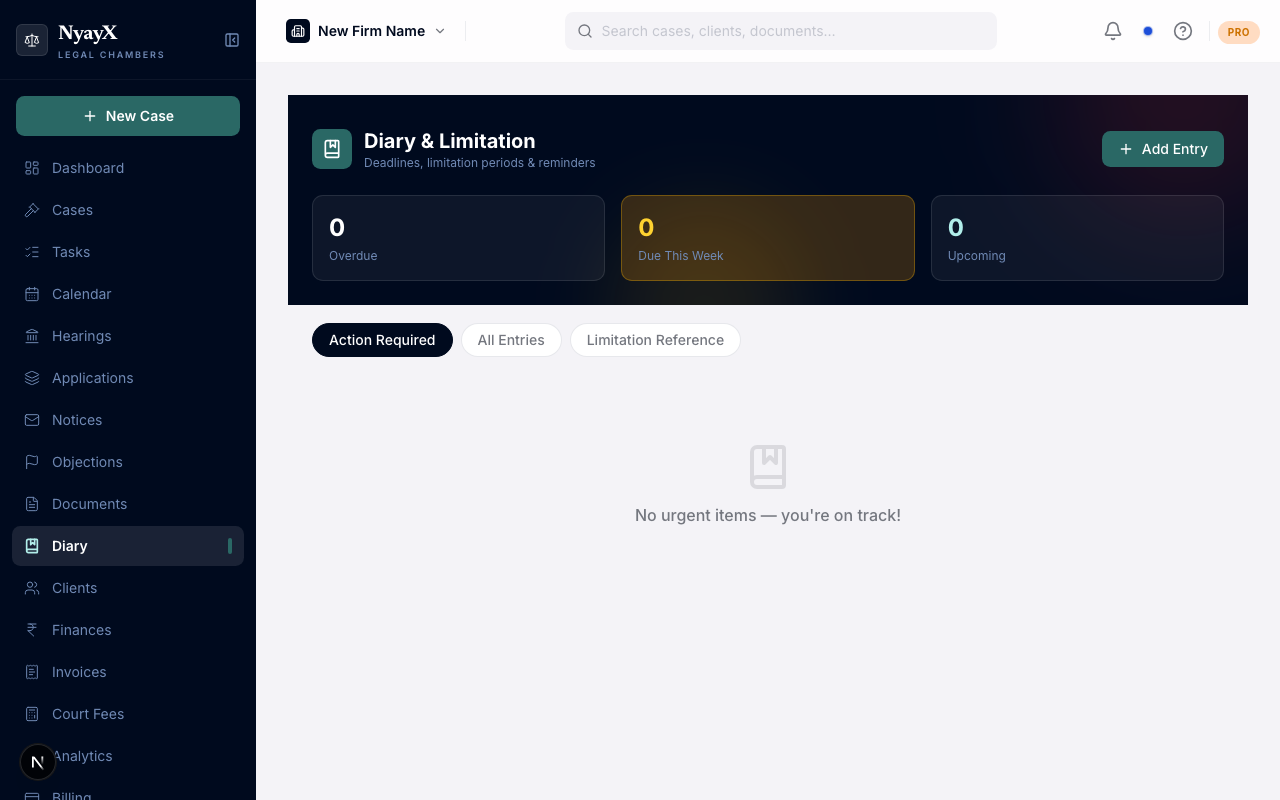
The Diary, organized by what needs attention and by date
What a diary entry holds
Each entry records:
- Title: what the entry is about.
- Date: the day it is due or scheduled.
- Case: the matter it relates to (optional). A case-linked entry also carries the case number.
- Type: hearing prep, filing deadline, limitation, client meeting, or a custom entry.
- Notes: anything else worth capturing.
Where entries come from
- Automatically from hearings. When you add or update a hearing, NyayX creates a matching hearing-prep diary entry for that date, so every scheduled hearing already has a diary line without extra typing.
- Manually. Add your own entries for filing deadlines, limitation dates, client meetings, or anything else you want on the diary.
Viewing the diary
The Diary view sorts entries into tabs so the pressing work is easy to find:
- Action Required: entries that are due and not yet marked done.
- All Entries: the full diary.
- Limitation Reference: limitation and filing-deadline entries in one place.
Each case also has its own Case Diary tab on the case detail page, which shows only that case’s entries.
Marking an entry done
Each entry has a Mark done action. Marking an entry done clears it from the Action Required list, so that tab always reflects what is still outstanding.
Outcomes flow in from hearings
When you record what happened at a hearing (attended, passed over, or adjourned) from the hearing record or from Court Mode, that outcome is written back into the linked hearing’s diary entry. If the court adjourns to a new date, the entry’s notes capture the new date. This keeps the diary a faithful log of how each matter actually moved, without re-entering anything.
Reminders
Entries with a due date surface under Action Required and NyayX notifies you so a dated entry does not go unnoticed. For task and deadline reminder schedules and channels, see Deadlines & reminders.