
Court fees
Court Fees (/court-fees in the sidebar) is a calculator for estimating the court fee payable on a plaint, petition, or application. It’s not a ledger of disbursements. To bill or track a court fee you’ve actually paid, save the estimate as a case expense (below) or log it directly from the case’s Expenses tab.
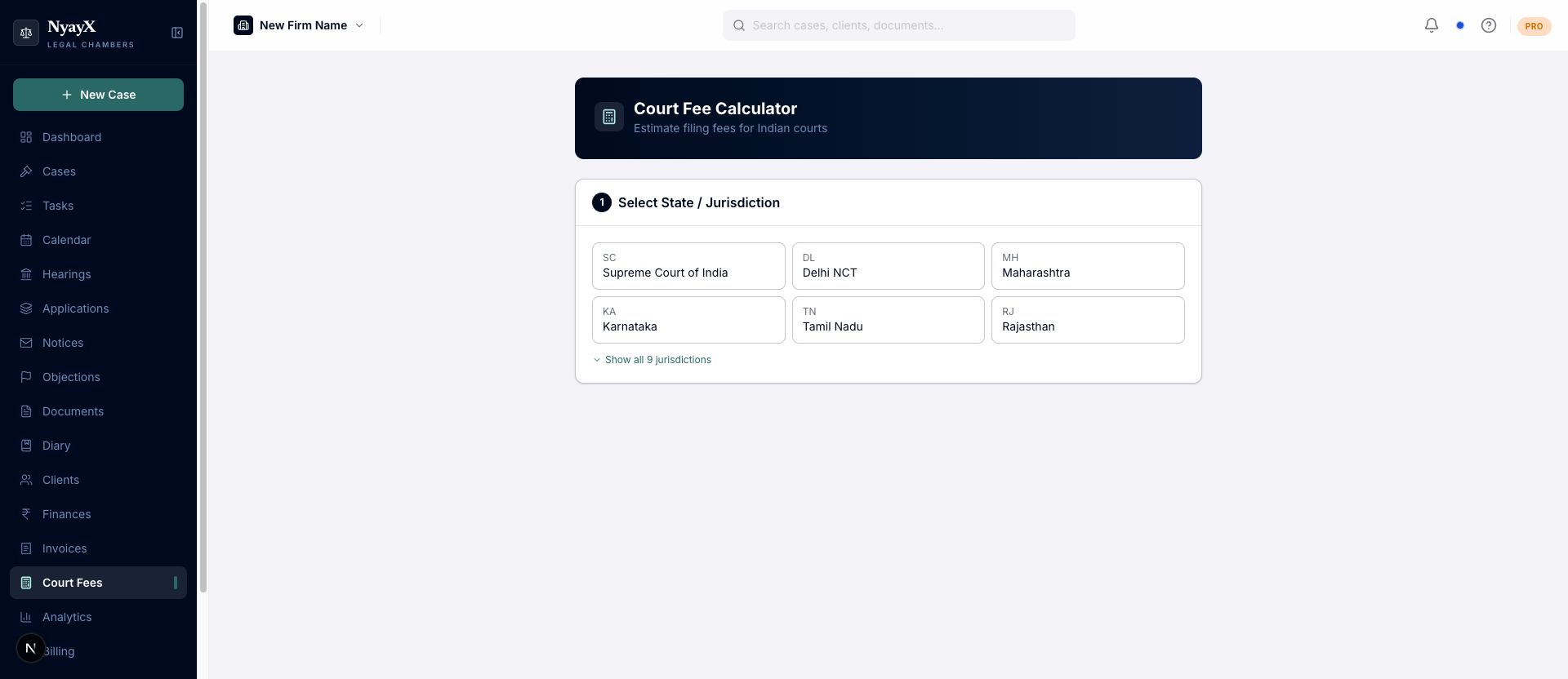
The Delhi Court Fee Calculator
Calculating a fee
Choose one of: District / Sessions Court, High Court, Supreme Court of India, or Tribunal / Special Court.
Case types are grouped by category in the dropdown. Some are ad valorem (a percentage of the claim/subject-matter value, via a cumulative slab chart), and these prompt you for a Claim Value. Others are fixed fees (Vakalatnama, Talbana, Inspection, Certified Copies, etc.) that need no claim value.
Click Calculate Fee. The result shows a breakdown of Filing Fee, Process / Summons Fee, and Misc. Charges, plus the Total Estimated Fee, the calculation method used, and the legal reference for that fee rule.
Using the result
From the result card you can:
- Copy: copies a plain-text summary of the estimate to the clipboard.
- Save as expense: search for and select a case, choose whether it’s billable to the client, and save the estimate as a case expense (category Court Filing Fee). It then shows up on that case’s Expenses tab and rolls into the Profit & Loss report.
- Add to Invoice: jumps straight to the Invoices page with a new invoice line item pre-filled from the estimate’s description and amount.
For the full walkthrough of the calculator itself (ad valorem slabs, fixed-fee lists, and reading the breakdown), see Court Fee Calculator in Tools.