
Adding a hearing
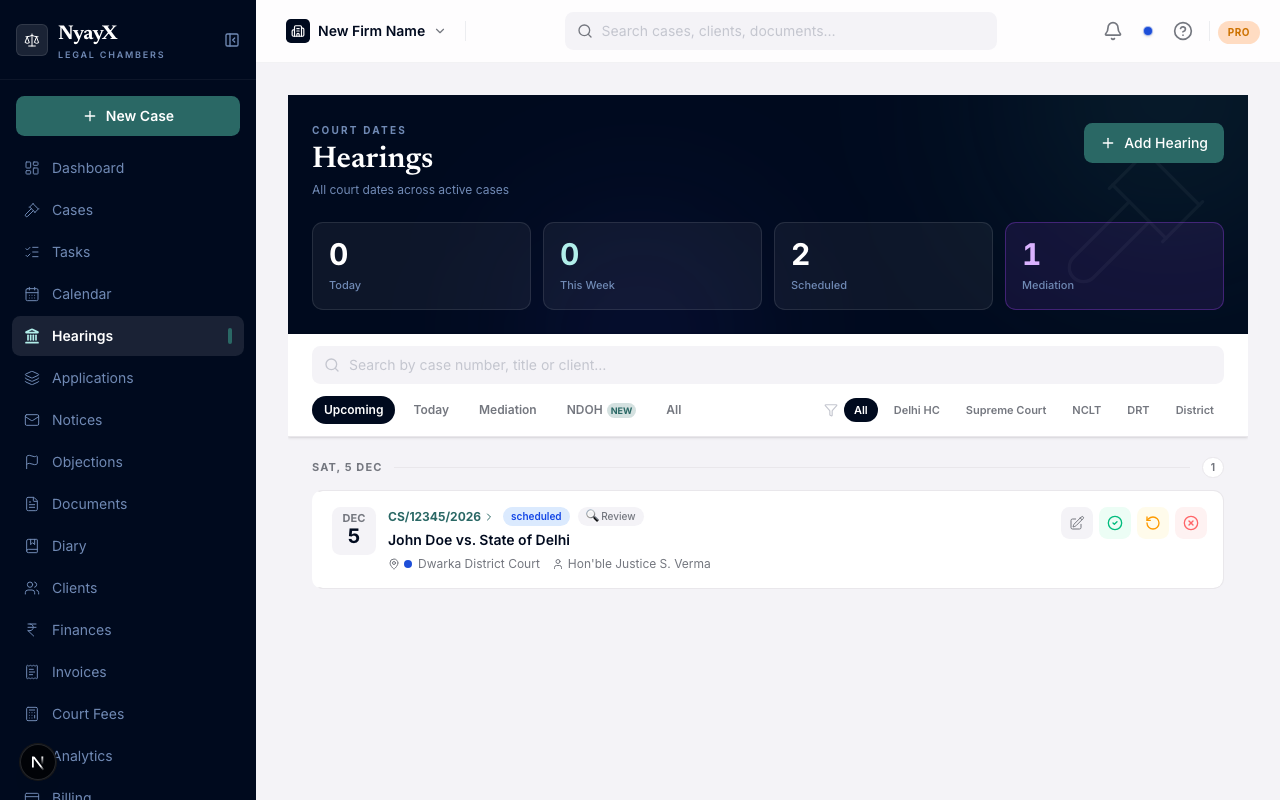
Hearings can be added from three places, and all of them save to the same record: the Hearings page (workspace-wide), the Hearings tab inside a specific case, and a quick-add from the Calendar.
From the Hearings page: Click Add Hearing in the top right. From a case: Open the case → Hearings tab → Add Hearing. From the Calendar: Use the quick-add on any day.
The Add Hearing form
If adding from the Hearings page or Calendar, choose the Case from the picker. If adding from inside a case, the case is pre-selected.
- Date: the only required field
- Time (optional)
- Court: the court where the hearing will take place
- Court Room (optional)
- Judge / Bench (optional)
- Purpose: First Hearing, Notice, Reply, Rejoinder, Arguments, Final Arguments, Evidence, Judgment, Order, Review, Mediation Referral, Mediation Session, Settlement Conference, or Other
- Petitioner’s Counsel / Respondent’s Counsel (optional)
- Client was present (checkbox)
- Notes: any additional context (optional)
Choosing one of the three mediation purposes reveals two extra fields: Mediator Name and Mediation Centre. See Mediation hearings.
Click Save Hearing. The hearing appears in the Hearings list and on the Calendar on the selected date, and reminders (email, WhatsApp, push) are scheduled automatically for 7, 3, and 1 day before.